UB
Use By
Scan a date or an “eat within” instruction, set when you opened the food, then print your label.
Scan food dates, print Day Dot labels and copy cooking instructions from packaging. Keep the details with your food, even when it moves to a new container.
For selected Brother QL, P-touch and VC label printers.
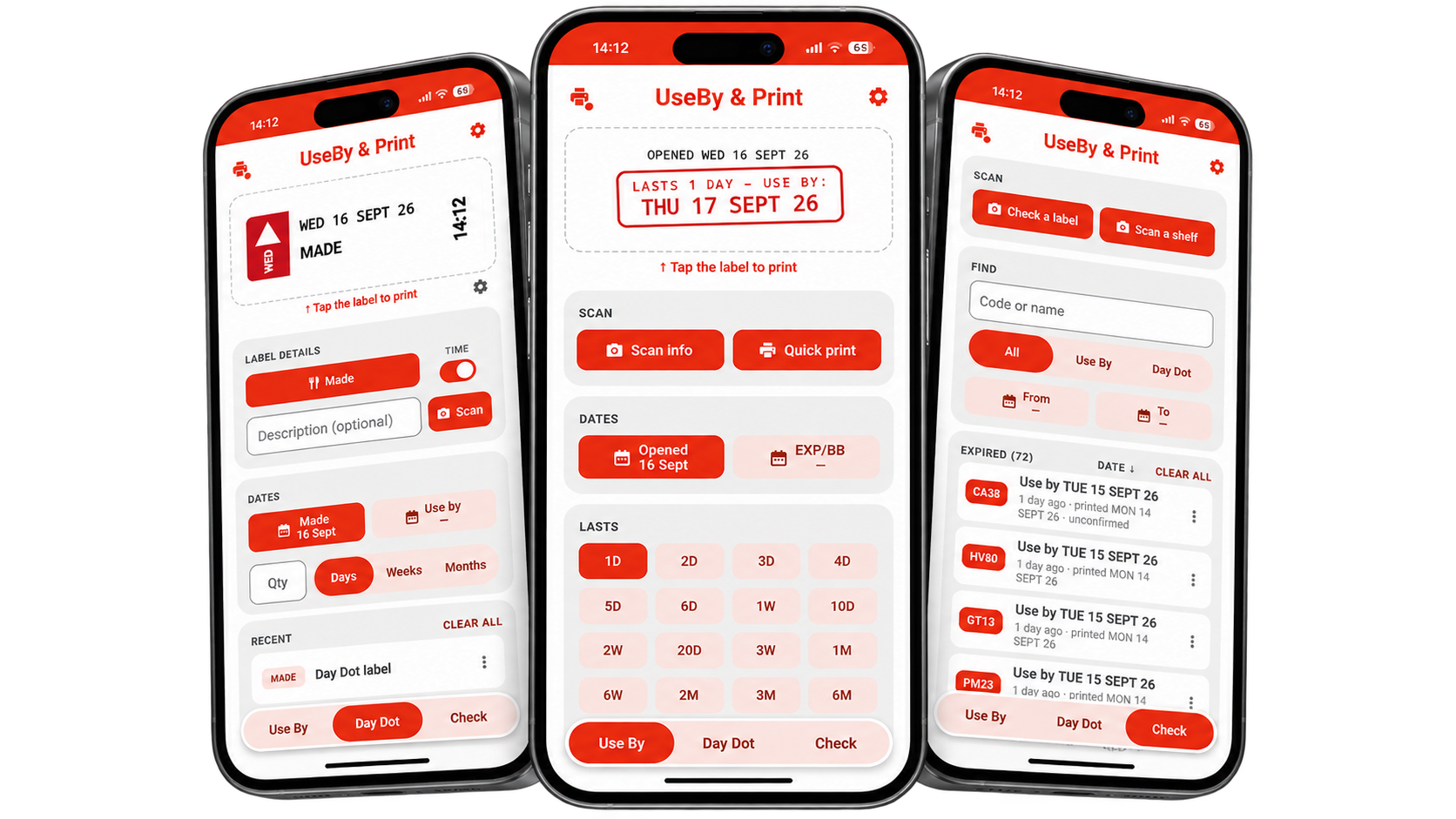
From date labels to the instructions on the back of a packet. Create labels, copy useful text and keep track of opened food from your phone or tablet.
Scan a date or an “eat within” instruction, set when you opened the food, then print your label.
Print Made with today's day and date for free. Pro lets you print changed actions, times and any other added details.
See what is expired, nearly due or still fine — then reprint any label exactly as it was.
Copy a block of text from packaging onto a label. Keep cooking instructions with food you decant or transfer.
A date on the front. Instructions on the back. Use your camera to bring the useful details from the original packaging onto your labels.
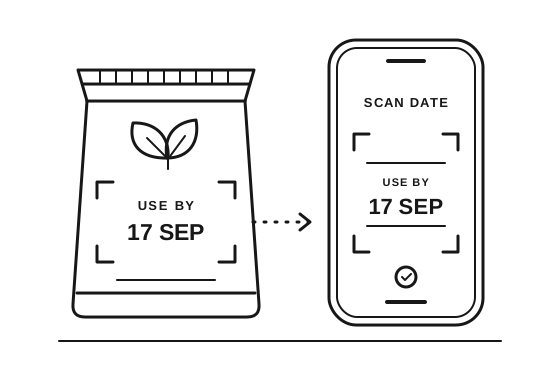
Point your camera at a Use By, Best Before or Expiry date. Read it from the packet and create a label for your kitchen.
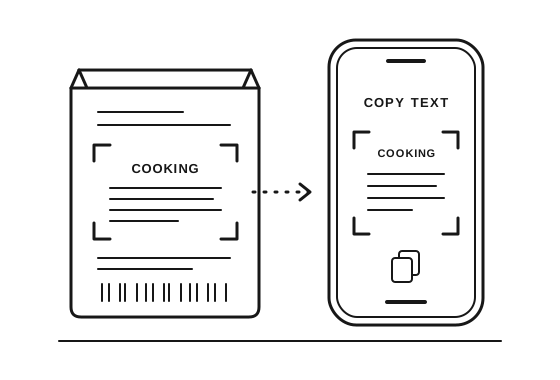
Use Copy to scan a block of text from the back label, such as cooking instructions. Print it onto a label for the new container, so the instructions stay with the food when you decant or transfer it.
How to use Copy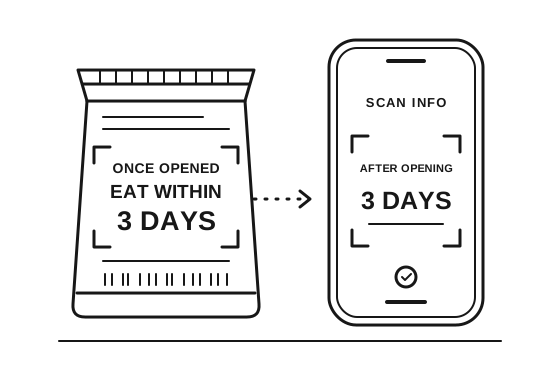
Point Scan info at wording such as “Once opened, eat within 3 days”. The app reads the instruction so you can make a Use By label from your opened date.
If the packet date comes sooner, the label uses that earlier date.
See the scanning examplesYou can also scan shelves to spot labels that need attention, or scan printer models and roll codes to help with setup.
Check scanned dates and copied text against the original packaging before printing.
All you need is the app and a compatible Brother label printer.
Choose your roll or tape, then print straight from your phone or tablet. No separate Brother software needed.
Standard and Advanced setup are both free. Save up to 3 printers in Advanced on Free, or 10 with Pro.
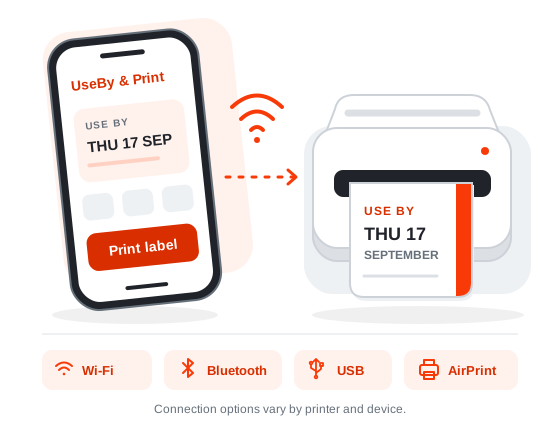
Discover it over Wi-Fi, or select an available connection.
Scan model numbers and roll codes to make setup quicker.
Create your label and print straight from the app.
Find step-by-step instructions and answers in the app guide.